Sign in. Your computer is already
there.
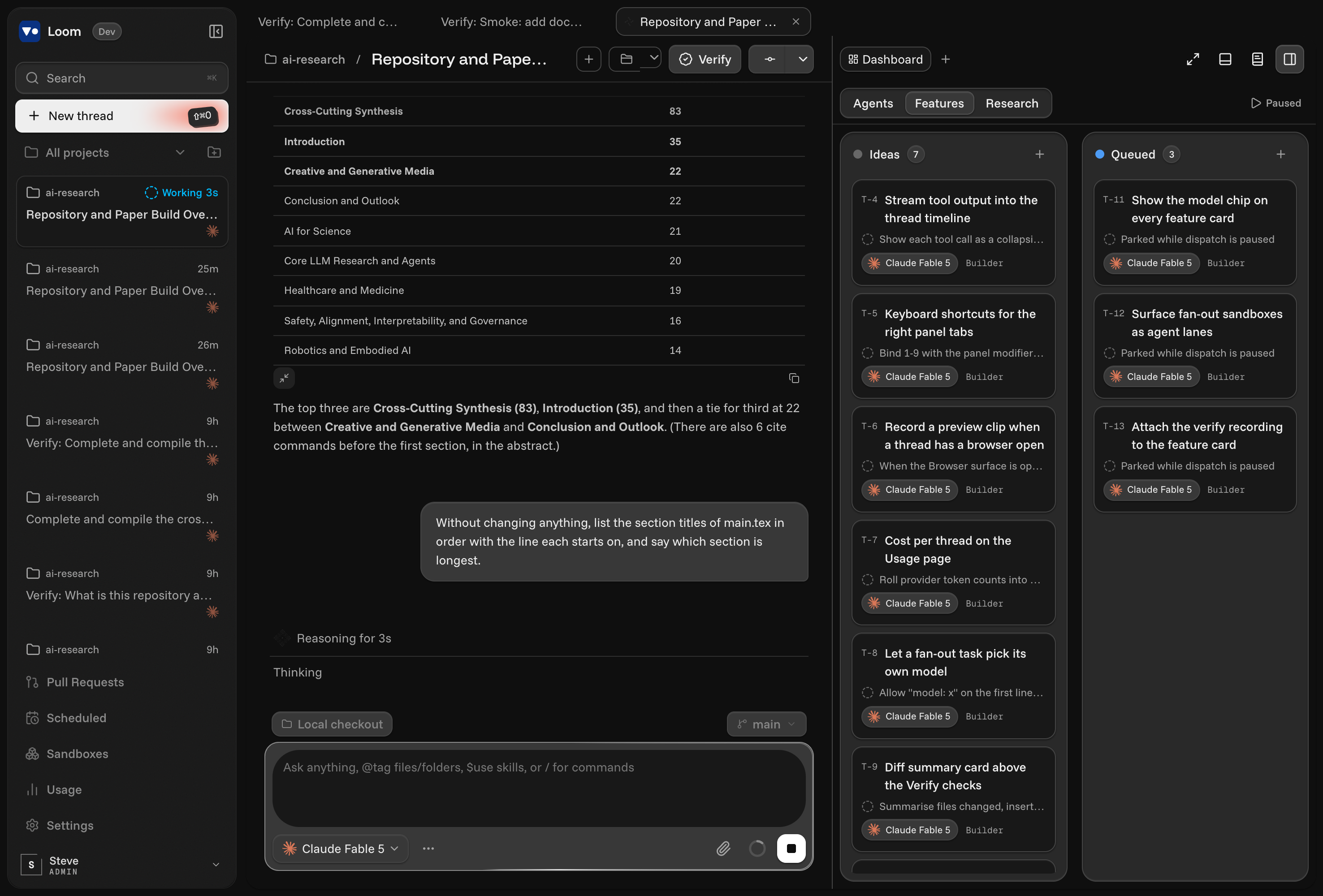
One computer that never closes its lid, with Codex, Claude Code, Cursor, Grok and OpenCode already signed in on it. Talk to it or type; open it from any device.
Product
From Local To Fleet
In Four Moves
Bring a repo and your existing setup, fan the work out, and merge only what you have watched succeed.
Connect a repository
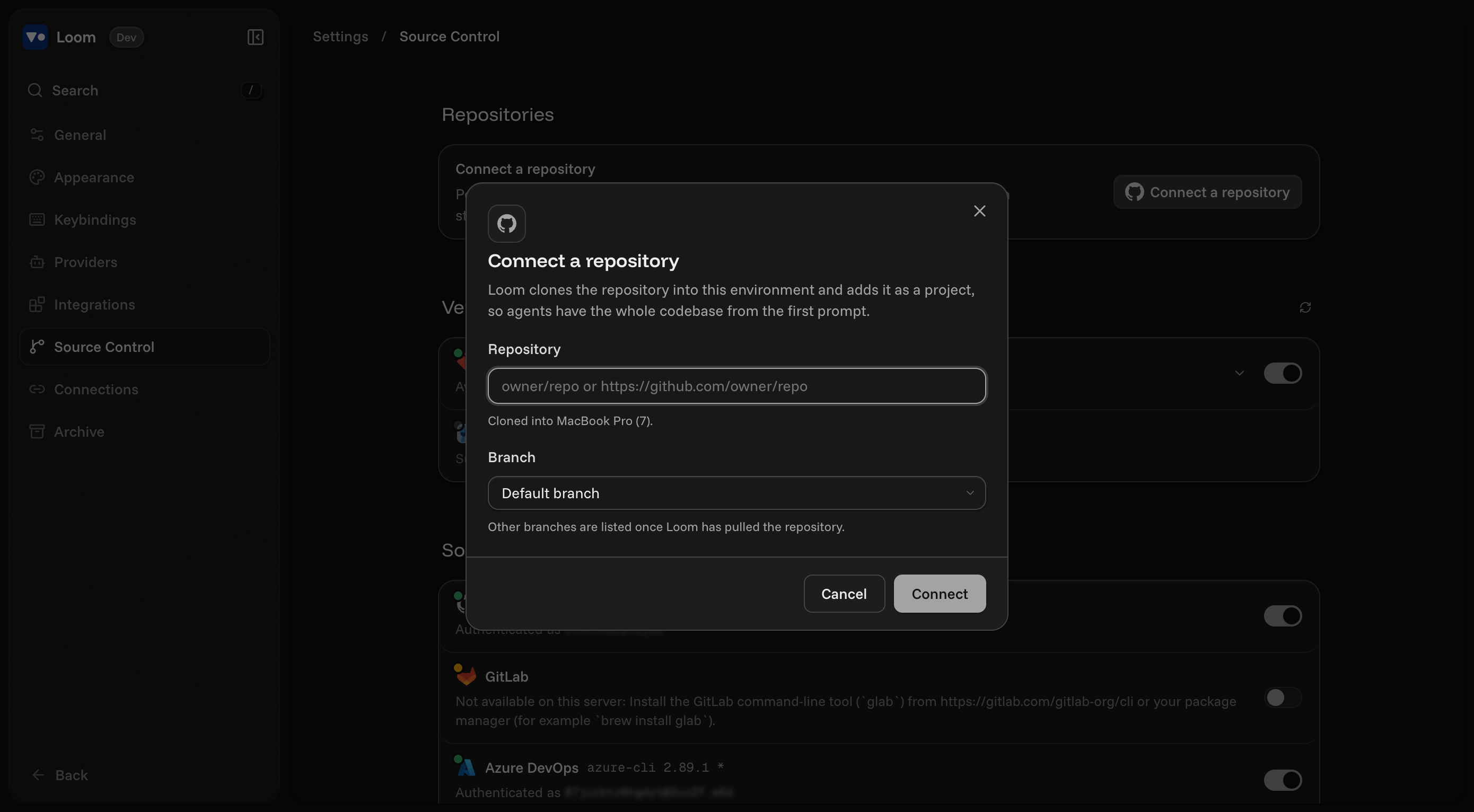
Point Loom at any GitHub repository. It clones the codebase and branch structure into a managed workspace so every agent starts with full context.
Import your local setup
Your sessions, MCP servers, instruction files and env keys come along. Loom mirrors the machine you already work on, with nothing to re-configure.
Start agents in sandboxes
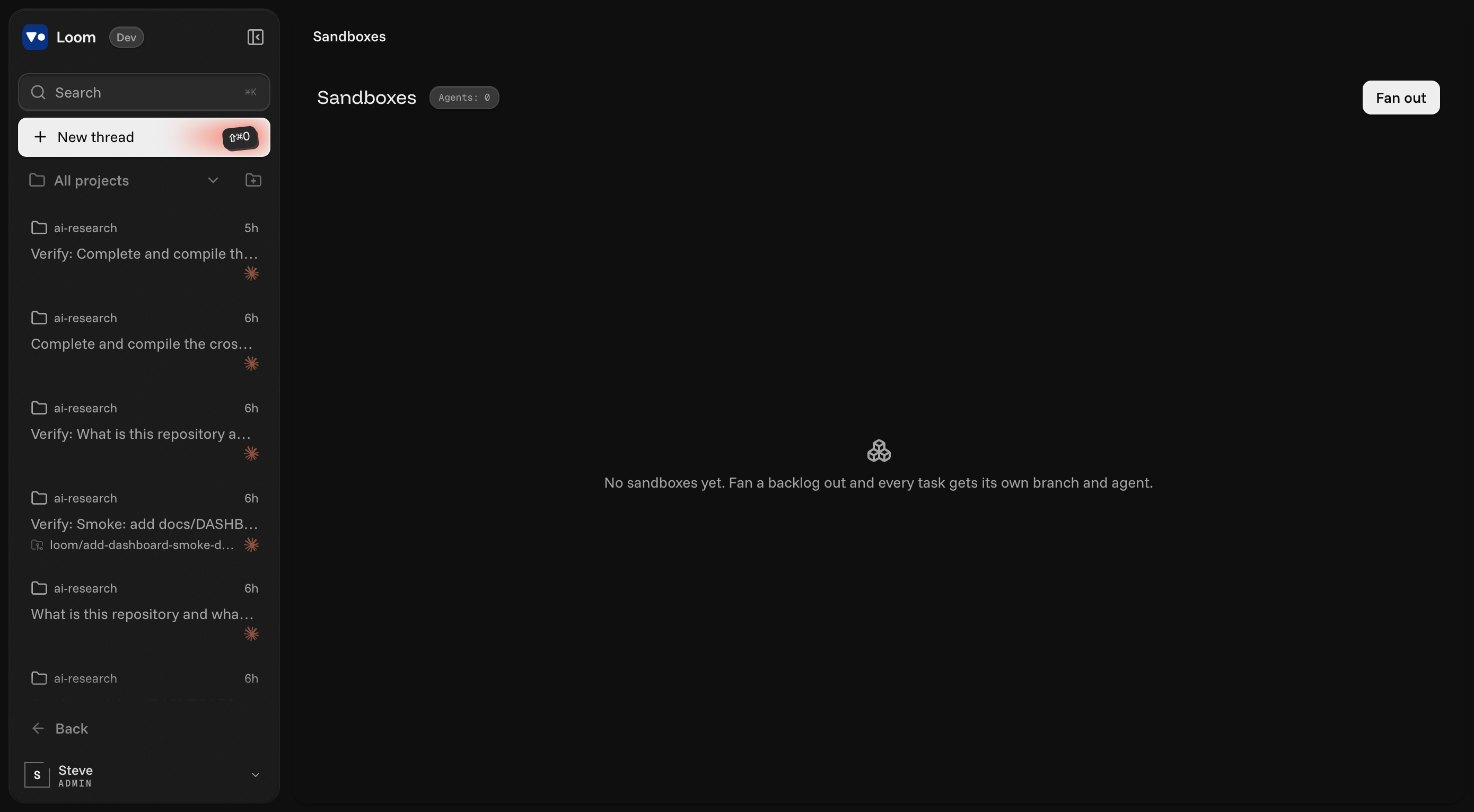
Every agent gets its own git worktree and branch. Fan a whole backlog out at once and watch Running, Success, Conflict and Merged update live.
Verify and merge
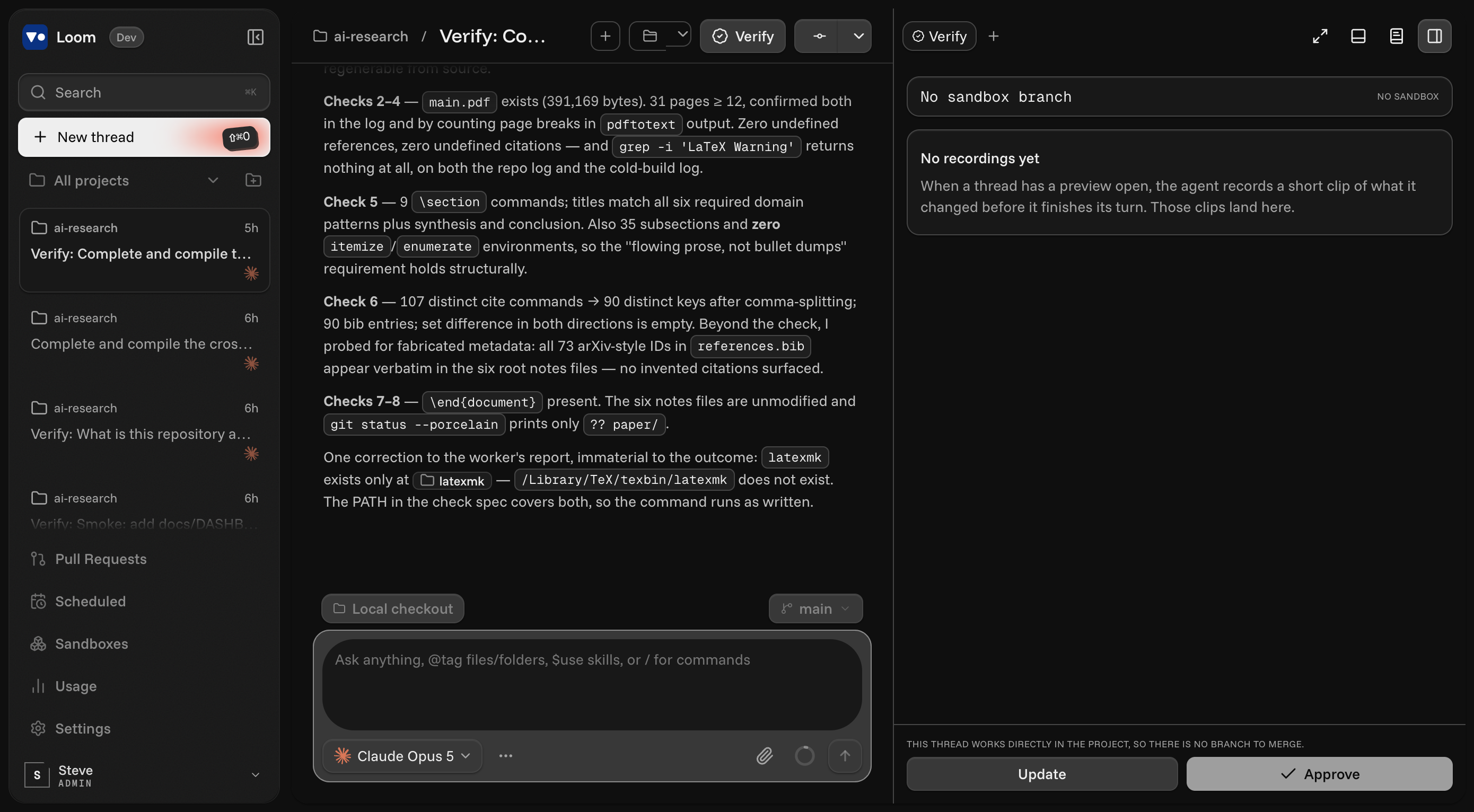
Agents record a short video of the feature they changed. Watch it, approve to merge into the base branch, or send it back with a note.

Use cases
Deploy Into Every Part Of The
Development Lifecycle
Open a thread from a pull request, from the web app, or from your phone over Loom Connect. The agent picks up the branch and its context and gets to work.

Refresh tokens race when two tabs renew at once. Serialize the refresh and add a regression test before this ships.
fix/auth-token-refreshSerialize the refresh and add a regression test before this ships.

Startup programs
Backed By The Labs Behind The Models.
Part of the startup programs at the labs and platforms Loom runs on. Credits, early access and people, from nine programs.
9 programs
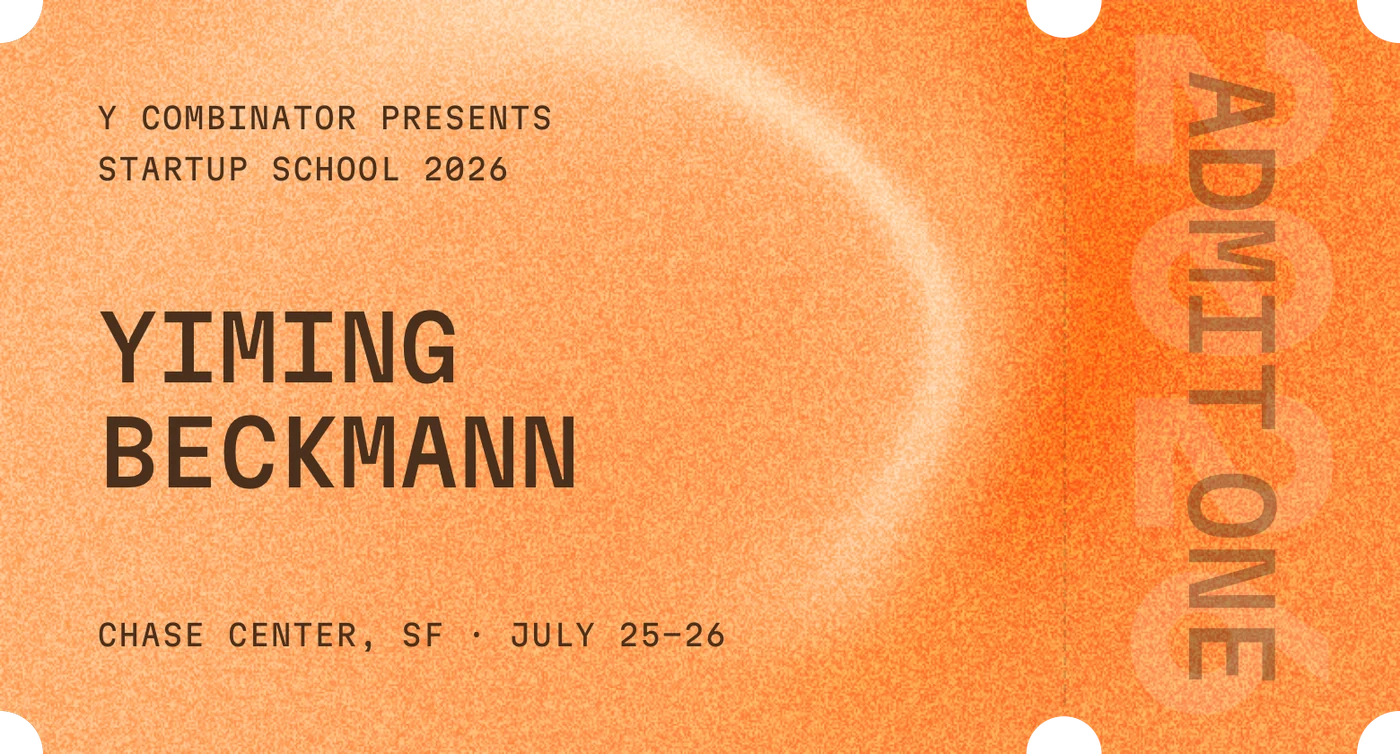
From Startup School to Daybreak, the platforms behind Loom back the team building it.
Hand-selected builders flown to San Francisco for two days at Chase Center, July 25 and 26, 2026.
AWS credits, technical support and architecture guidance for the compute behind Loom's cloud machines.
Azure credits, GitHub Enterprise and developer tooling through Founders Hub.
API credits and early access to new models for the threads that run on GPT.
OpenAI's cyber-defense program: security-tuned models and Codex Security under Trusted Access for Cyber.
Claude API credits and early access for the agents that run on Claude.
Text-to-speech credits for Loom's narrated films and voice work.
Atlas credits and technical advice from the MongoDB for Startups team.
Credits for Sonic, Cartesia's real-time speech model.
Security & privacy
Built To Keep Your Code Yours.
Loom runs where you install it. Your repositories, credentials and transcripts stay on machines you control.


















Local by default
The server, the database and every worktree live on your own machine or server. Nothing is uploaded to run an agent.
Your keys stay local
Secrets live in an encrypted local store on your machine and never leave the environment. Agents talk to the provider directly, so Loom never proxies your credentials.
Any model, your subscriptions
Run Claude, GPT, DeepSeek, Kimi and more through the subscriptions you already pay for. Switch models per thread and keep the context.
Verified before merge
Nothing merges on an agent's word. Every change arrives with its recording and its checks, and lands only when you approve it.
Pricing
Free On Your Machine,
Optional Cloud.
Loom itself is free. Pay only if you want us to host the tunnel and the sandboxes for your team.
Free
The full app on your own machine, with the subscriptions you already have.
Team
For teams that want Loom Connect tunnels and hosted sandboxes without running servers.
Everything in Free, plus:
FAQs
Frequently
Asked Questions
Short answers to what people ask before their first thread.
What is Loom?
Loom is a local-first workspace for coding agents. It wraps the provider CLIs you already use, gives each agent an isolated sandbox, and lets you review, verify and merge their work from one place.
Which agents does it support?
Codex, Claude Code, Cursor, Grok and OpenCode today. Each runs through its own adapter, so the same thread, project and keybindings work across all of them.
Do I need a Loom subscription?
No. The app is free to download and run. You bring the provider subscriptions or API keys you already have. Team plans only add hosted infrastructure.
Where does my code go?
Nowhere. Loom runs on your machine or a server you control, and agents talk directly to the provider you chose. Loom never proxies or stores your code in a cloud of its own.
What is a sandbox?
A dedicated git worktree and branch created for one agent. Many can run at once without touching your main checkout, and each one reports Running, Success, Conflict or Merged.
How does verify and merge work?
When a thread has a preview, the agent records a short clip of the feature it changed. You watch it in the Verify panel, then approve to merge the branch into your base or send feedback for another pass.
Can I use it from my phone?
Yes. Pair the mobile app or the web app to any Loom server over your LAN, Tailscale, or Loom Connect and keep directing agents while your laptop sleeps.
Does it import my existing setup?
Yes. Loom scans your machine for sessions, MCP servers, instruction files and env keys and brings the ones you pick into the project's sandbox.
Why is it called Loom?
A loom turns many threads into one piece of cloth. Loom does the same with agents: many threads of work, one finished result.
Close The Lid.
Local agents stop when your laptop sleeps. Loom keeps weaving on the server you point it at.
Start weaving